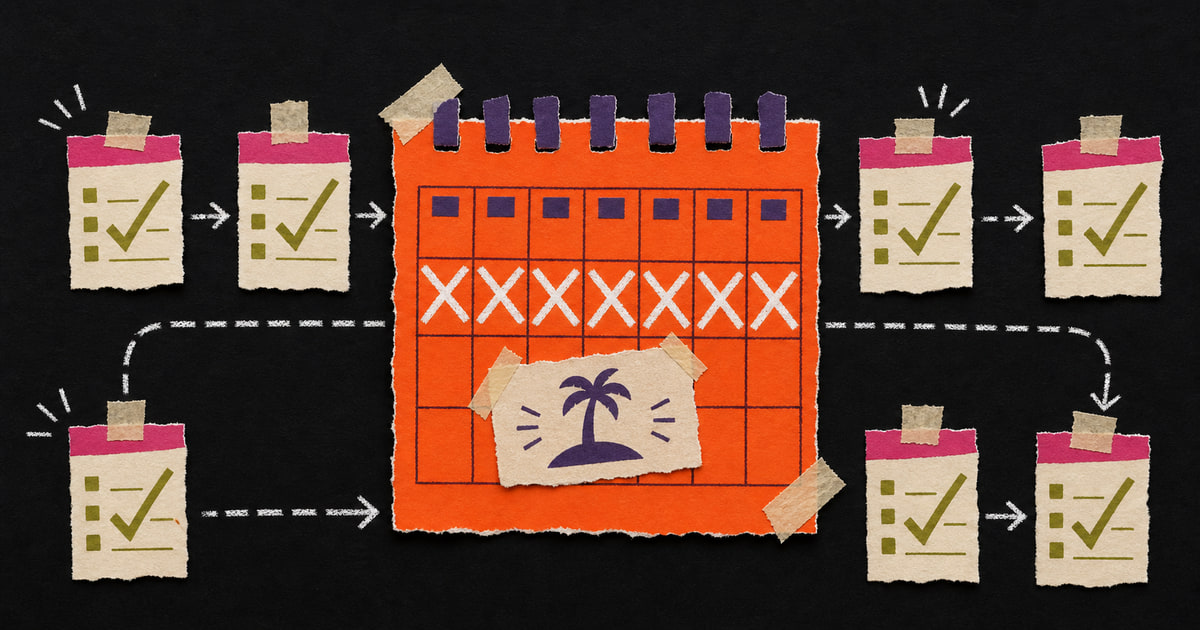
Summer quickly shows which digital processes can already keep running on their own.
Forms still receive enquiries. Automatic replies set expectations, notifications reach the right people and a shared overview keeps follow-up visible while colleagues are away.
Call it bouwvak-proofing, even if you aren't in construction.
1. Check whether forms really arrive
Sounds simple. Still, this often goes wrong.
Test your most important forms:
- contact form;
- quote request;
- newsletter sign-up;
- job application form;
- support form.
Fill them in yourself. Check whether the email arrives, whether the confirmation is correct and whether the right person receives a notification.
Want to check what happens after the form? Read The form works. Now sort the follow-up.
2. Make sure enquiries don't depend on one person
An enquiry shouldn't depend on one inbox.
Make sure enquiries automatically end up in one central place: CRM, project board, shared inbox or customer list. Then add a clear route:
- sales question to the right contact person;
- support question to customer service;
- project request to project lead;
- urgent message to multiple people.
Not everything has to be complicated. But everything must be findable.
3. Make your automatic reply useful
Many automatic replies only say:
Thank you for your message. We will contact you as soon as possible.
Polite, yes. Very helpful, no.
Better:
- say when someone can expect a reply;
- give an alternative in urgent cases;
- link to useful information;
- briefly explain the next step.
A good automatic reply doesn't feel robotic. It removes uncertainty.
4. Check mobile
Mobile isn't a detail. In the third quarter of 2025, 43% of online purchases were made on a smartphone, Thuiswinkel.org reports. That share has grown strongly in recent years.
Even if you don't have an online shop, that is relevant. People look at your site on the train, between appointments or on the sofa.
Check on your phone:
- does the site load quickly?
- are buttons easy to tap?
- does the form work?
- is the text readable?
- is the main action high enough on the page?
If you have to zoom in as if it is 2009, it is time for maintenance.
5. Look at access and security
Holiday periods are a good moment to check who has access to what.
At companies with 2 to 10 people, only a third encrypt their own data (CBS). You don't need a security team to do something about that. A basic check is enough:
- remove old users;
- use two-step verification where possible;
- check backups;
- limit admin rights;
- know where customer data is stored.
Boring? Yes. Necessary? Also yes.
6. Check your chatbot or AI assistant
Do you use a chatbot, AI assistant or automatic email flow? Check what it says when people ask questions outside opening hours.
Pay special attention to:
- does the bot clearly say it is a bot?
- does it avoid promises your team can't keep?
- does it know when to refer someone to a human?
- does it avoid processing sensitive information in an unclear way?
AI doesn't need to sound exciting. It simply needs to be set up properly.
7. Create one simple overview
You don't need to build a data centre. One overview can already be enough:
- number of enquiries per week;
- open enquiries;
- form errors;
- website uptime;
- main sources;
- tasks without an owner.
The goal is one overview that shows you where action is needed.
If the overview mainly lives in Excel, use the test in Excel is not a colleague.
The summer check in one sentence
Ask yourself:
“If half the team is offline tomorrow, will our most important digital processes keep working?”
If the answer is yes, you can head off on holiday with peace of mind. If you aren't sure, it is worth checking your digital base first.
MadeByHomer helps companies make their website, forms, email, follow-up and automations holiday-proof. You can start small: start with the process that will give you the most continuity and peace of mind during the holiday.
Keep your digital base working through the holiday as well.
Book a call