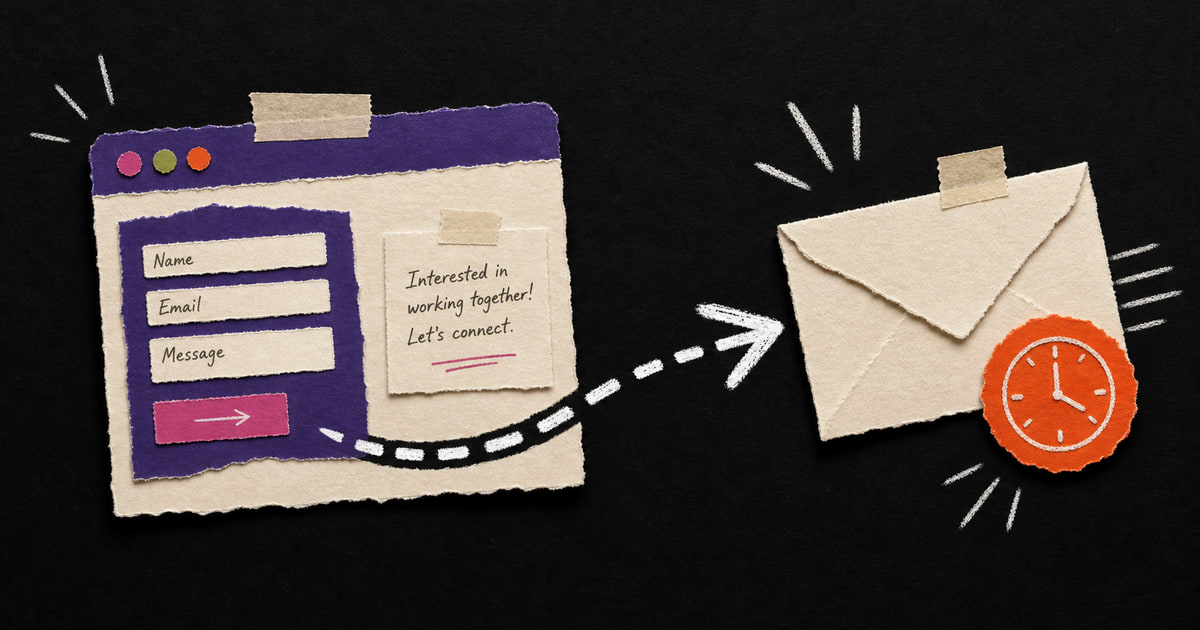
A contact form is only the start of a good enquiry route.
The visitor submits the form and immediately gets a clear confirmation. The enquiry arrives in one place, gets an owner, gets a status and is ready for follow-up.
Now the form works and so does the process.
Set expectations straight away
After submitting the form, the visitor wants to know whether the message arrived, when to expect a reply, who will contact them and what happens next.
A good confirmation answers those questions immediately.
A form isn't a follow-up process
The website brings someone to the enquiry. Follow-up takes over from there. Also read what else a business website should do.
An email and a thank-you message only prove that the form works technically. A good follow-up process answers different questions:
- Who receives the enquiry?
- How quickly?
- With what context?
- Where is the enquiry stored?
- What happens if nobody responds?
- Can you later see what happened to the enquiry?
A form is the starting point. Not the end point.
A simple enquiry route
Here is what it can look like:
- Someone fills in the form.
- The customer immediately receives a clear confirmation.
- The enquiry is stored in a customer list, CRM or central database.
- The right person receives a notification through email, Teams or a shared task list.
- A task is created automatically.
- If the task isn't completed, an internal reminder follows.
- Afterwards, the status is updated: won, lost, not a fit or follow up later.
That isn't a heavy system for large organisations. That is simply handling interest professionally.
Automation makes follow-up more human
Automation sometimes sounds impersonal. In enquiry follow-up, it often does the opposite.
When the basics are handled automatically, the human has more room for the conversation.
The customer doesn't have to wait for a confirmation. The team member doesn't have to search for the right information. The owner doesn't have to guess whether enquiries are being picked up.
Everyone wins. Even the inbox, which finally gets a bit of peace.
What you need to set up
For most service companies, this is a good first step:
- automatic confirmation to the person who filled in the form;
- internal notification to the right person;
- storage in CRM, Airtable, Notion, HubSpot or a simple customer list;
- automatic task with deadline;
- reminder if there has been no response;
- monthly reporting of number of enquiries and source.
If you have nothing yet, start small. Not every company needs a full CRM immediately. But every company does need reliable follow-up.
Test your own form
Do this today:
- Fill in your own contact form.
- Measure how quickly you receive a confirmation.
- Check where the enquiry arrives internally.
- Ask who is responsible.
- Check whether a task or customer record is created automatically.
If you already have to search at step 3, you know enough.
Do enquiries currently arrive mainly as loose emails? MadeByHomer sets up your enquiry process: form, professional email, CRM or customer list, tasks, reminders and reporting. Make the next step clear and the follow-up easy to handle.
A form collects the enquiry. Follow-up makes the next step clear.
Want to make that route easier to manage? Together we can simplify the follow-up.
Book a call