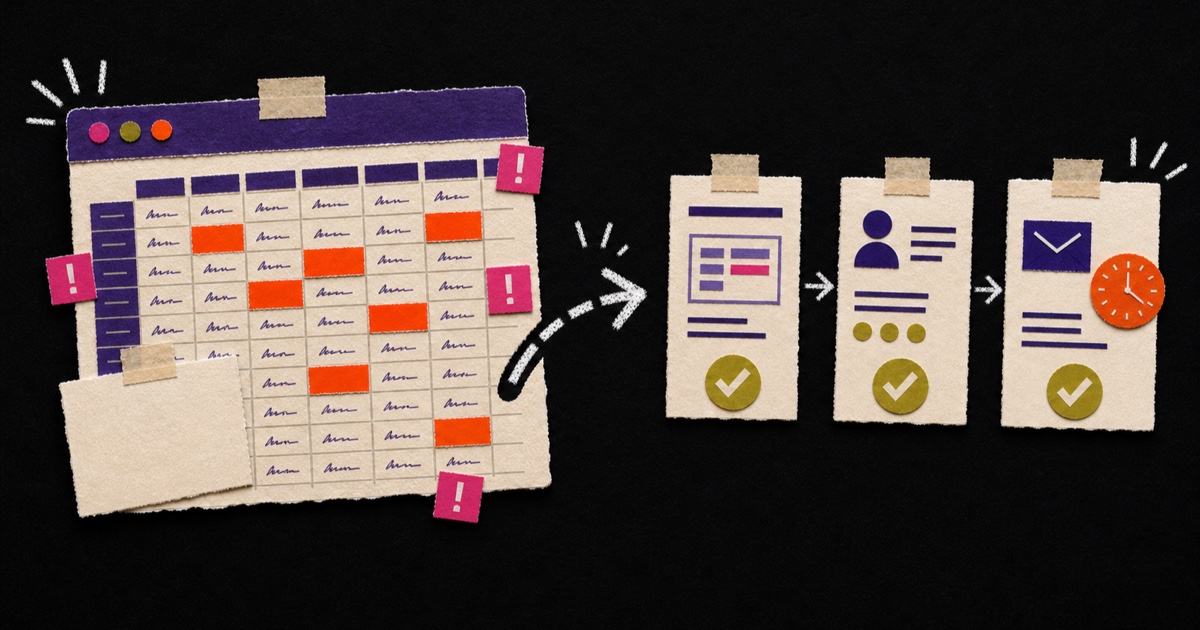
Excel is brilliant.
Really. Excel can calculate, filter, sort, save budgets, keep schedules on track and occasionally hold an entire company together with three formulas and a tab called “FINAL_final_new2”.
But Excel is not a colleague.
Excel doesn't take responsibility. Excel doesn't send a reminder because something has been open for five days. Excel doesn't say: “This customer has already paid, so don't send another payment request.” Excel also doesn't enjoy twelve people editing the same file at the same time.
At some point, a spreadsheet outgrows its role. That is when a fixed process works better.
When is Excel fine?
Not everything needs to be automated. Sometimes a spreadsheet is exactly right.
Excel is fine when:
- you are temporarily researching something;
- the process is small;
- one person works with it;
- mistakes have little impact;
- you don't yet know how the process should work permanently.
A spreadsheet is often a good sketch. But a sketch isn't always suitable as a foundation.
When does Excel become a problem?
Watch for these signals:
- nobody knows which file is the latest version;
- data is copied manually from emails;
- one team member is the only person who understands “the system”;
- tasks are forgotten because they only exist in a row;
- customer information is spread across several places;
- you manually create the same report every week;
- there are columns called “status2”, “new note” and “check later”.
That last one isn't criticism. We are all human. But systems should help people, not test how much chaos they can remember.
Think of a spreadsheet with quotes, customer statuses and follow-up dates. Handy when you had ten customers. Less handy when three people work in it and nobody knows which version is correct.
Excel can stay for analysis. Follow-up doesn't need to live there any more.
Staff shortages make this even more relevant
Automation isn't only interesting because technology is fun. It is becoming more practical because many companies are struggling with capacity.
Almost two-thirds of companies have a staff shortage. For almost half of those, around 30 percent of all companies, more automation is the main measure, according to Statistics Netherlands (CBS, June 2026). For many businesses it has become the way to keep the work moving with the people they already have.
That doesn't make automation a luxury project. It is often a way to help existing people do better work.
Automation takes over copy-and-paste work, leaving people more time for the work that needs attention.
That difference matters.
What can you automate without a large system?
Start with small, recurring processes.
Examples:
- automatically storing quote requests;
- syncing customer data between website and CRM;
- preparing weekly reports automatically;
- preparing invoice reminders;
- creating onboarding tasks after approval;
- placing documents in the right folder automatically;
- turning completed forms into tasks.
These aren't mega projects. They are small operational fixes that keep working after setup.
The right question isn't: “Can this be done?”
Technically, almost everything can be done. The better question is:
“Is it smart to automate this?”
Use this simple test:
- Does the task return every week?
- Is someone using copy-paste?
- Does information need to move to multiple systems?
- Do errors or delays occur?
- Does the process take more time as you grow?
If several of these sound familiar, automation is worth a look.
Excel doesn't have to disappear
The goal isn't to ban Excel. That would be brave in the Netherlands.
Somewhere in every company lives an Excel file that is older than some employees.
The point is to use Excel for the jobs it suits.
Excel can stay. Just don't give it a management role.
Do you have a spreadsheet that everyone knows has become a little too important? MadeByHomer looks at how the process runs now and gradually builds a calmer way of working with forms, customer lists, tasks, reminders and connections where needed.
Excel is useful for analysis, temporary overviews and simple planning. Automation works better for recurring handovers, reminders, statuses and data flows.
Want to know whether your spreadsheet is still useful, or actually trying to be a system? We are happy to walk through it with you.
Book a call